






10 Free SEO Tools Every Blogger Needs in 2026
- May 26, 2026
- Informational
- No Comments
Table of Contents
Let me be honest with you when I started blogging, I had no idea what SEO even meant. I was writing articles, hitting publish, and just hoping Google would magically show my posts to people. Spoiler: it did not work like that.
Then I discovered SEO tools. And not the expensive paid ones the free ones. These tools completely changed the way I blog. I started understanding what people actually search for, which keywords I could realistically rank for, and why my competitor’s articles were beating mine.
The best part? I did not spend a single rupee on any of them.
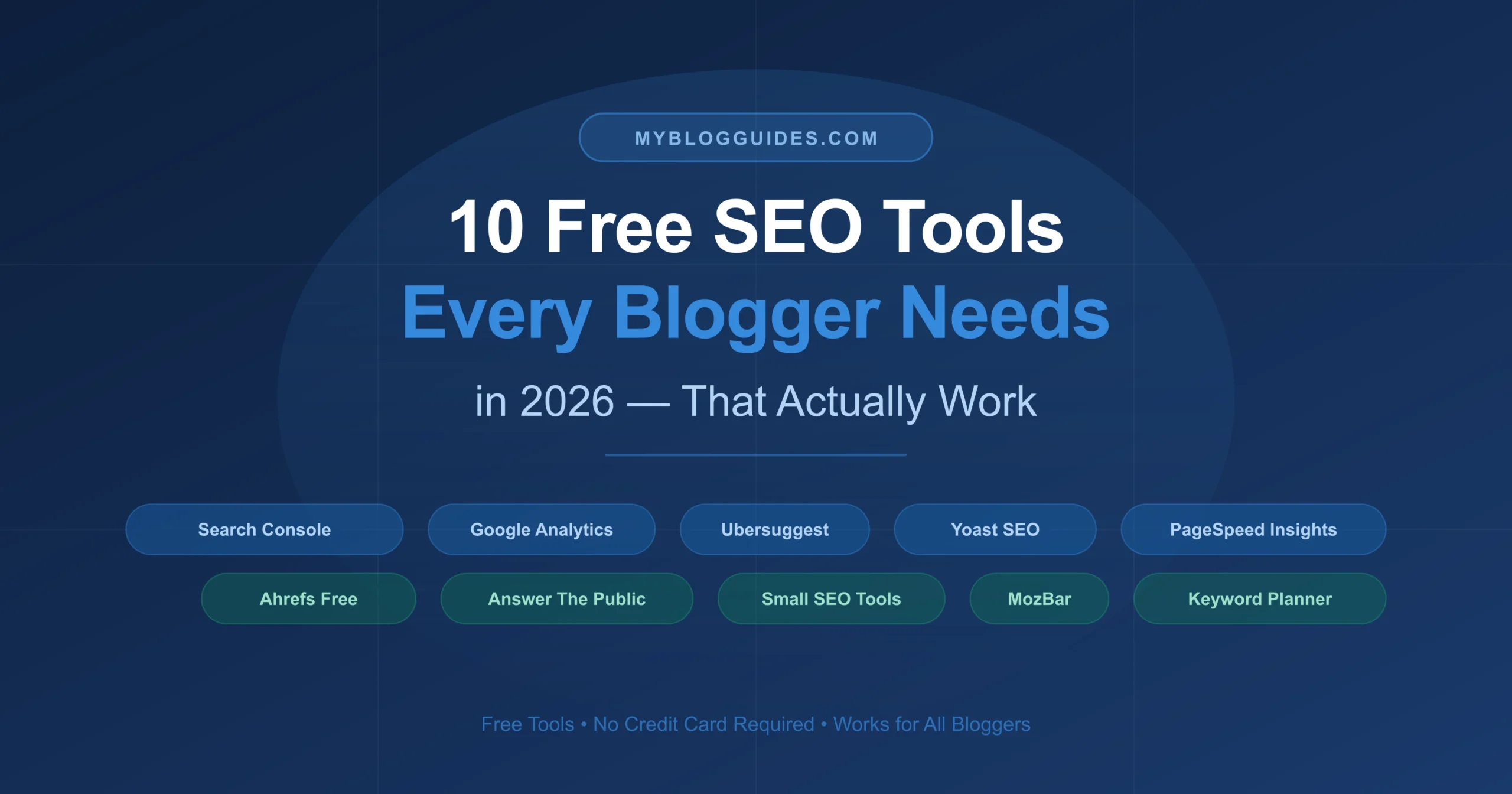
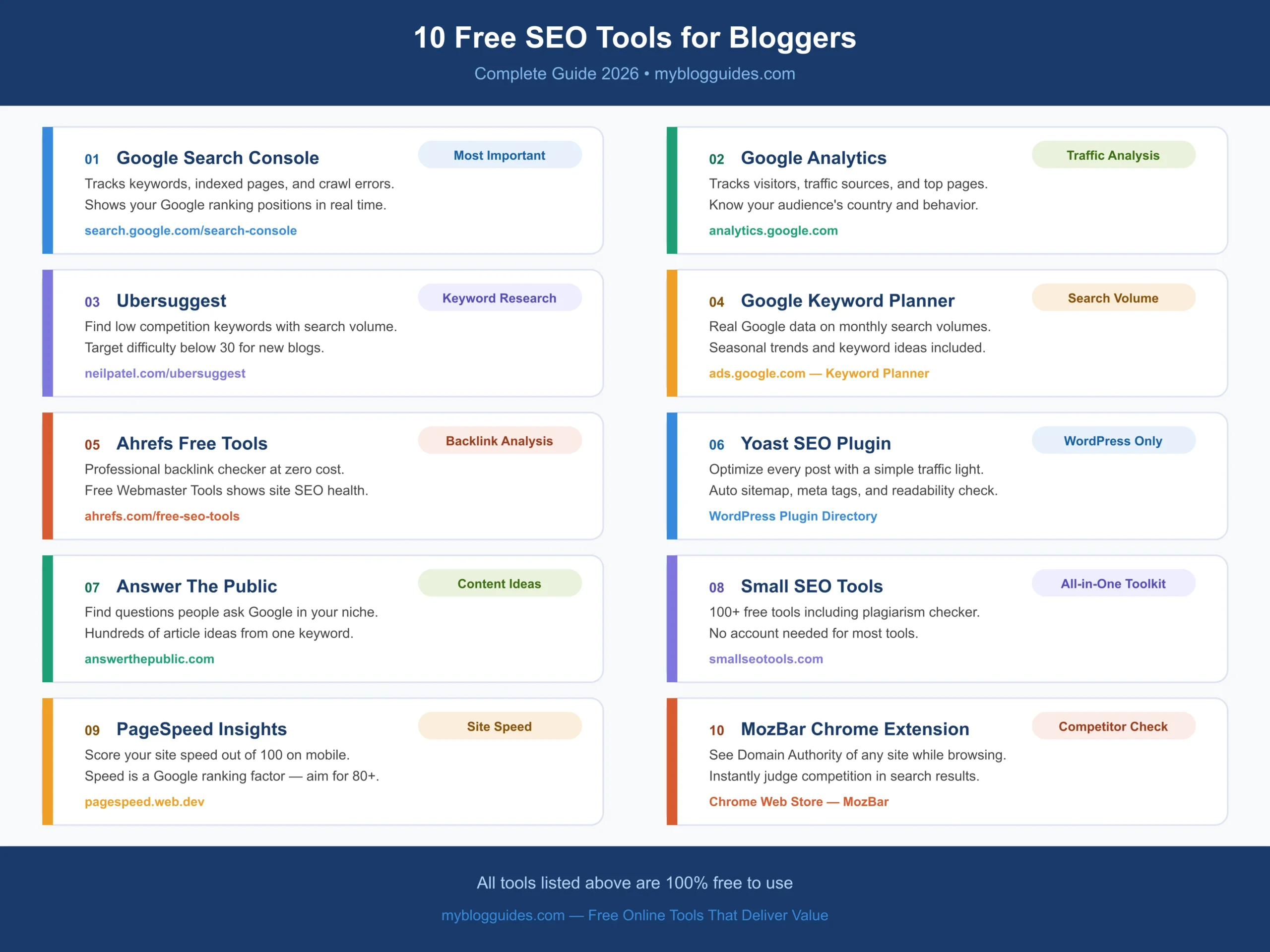
In this guide, I am going to walk you through the 10 best free SEO tools for bloggers that I personally recommend. Whether you just started your blog or have been at it for a while, these tools will help you grow faster.
Why Do Bloggers Need SEO Tools?
Think of SEO tools like a GPS for your blog. Without them, you are just guessing. With them, you know exactly where to go and how to get there.
Here is what good SEO tools help you do:
- Find keywords that real people are searching for
- Understand why your competitors rank higher than you
- Fix technical problems that are hurting your rankings
- Track your progress so you know what is working
Now let us get into the tools.
The 10 Best Free SEO Tools for Bloggers
1. Google Search Console Your Most Important Tool
If you only set up one tool from this entire list, make it Google Search Console. This tool is made by Google, it is 100% free, and it gives you data that no other tool can match.
What it tells you:
- Which keywords are bringing people to your site right now
- How many times your site appears in Google search results
- Which pages are indexed and which ones have errors
- Your average position for different search queries
Real talk: Many bloggers skip this step and then wonder why they are not growing. Do not make that mistake. Set it up today, submit your sitemap, and check it every week.
Website: search.google.com/search-console
2. Google Analytics Know Your Audience
Google Analytics tells you everything about the people visiting your blog. It is like having a window into your audience’s behavior.
You will be able to see:
- How many visitors your blog gets every day
- Which countries they are coming from
- Which articles they read the most
- How long they stay on your site before leaving
The most useful thing I do with Analytics is check which articles already get traffic. Then I improve those articles and they often rank even higher.
Website: analytics.google.com
3. Ubersuggest Find Keywords You Can Actually Rank For
Ubersuggest is probably the tool I use the most for keyword research. It was created by Neil Patel and the free version is genuinely useful for bloggers who are just starting out.
Here is what makes it great:
- You can type any keyword and see how many people search for it monthly
- It shows a difficulty score from 0 to 100 (lower = easier to rank)
- It gives you dozens of related keyword ideas
- You can see which pages rank number one for any keyword
My honest advice: if your website is new and your domain rating is below 20, target keywords with a difficulty score of 20 or less. Do not waste time on competitive keywords yet.
Website: neilpatel.com/ubersuggest (3 free searches per day)
4. Google Keyword Planner Trusted Data Straight From Google
Google Keyword Planner is another free Google tool that shows you search volume data. You need a Google Ads account to access it but you absolutely do not need to run any ads or spend money.
What I like about it is that the data comes straight from Google, so it is very reliable. You can search for any topic and instantly see:
- How many people search for that keyword each month
- Whether searches go up or down in certain seasons
- Related keywords you might not have thought of
Website: ads.google.com look for the Keyword Planner option after logging in
5. Ahrefs Free Tools Professional Data at Zero Cost
Ahrefs is one of the most powerful SEO platforms in the world. The paid version costs a lot, but they offer several completely free tools that are honestly very good.
The ones worth using:
- Ahrefs Webmaster Tools connects to your site and shows backlinks and SEO health for free
- Free Keyword Generator enter a keyword and get ideas
- Backlink Checker see who is linking to your site or your competitor’s site
Even just using the free Webmaster Tools gives you insights that many bloggers pay good money for elsewhere.
Website: ahrefs.com/free-seo-tools
6. Yoast SEO Must Have for WordPress Bloggers
If your blog runs on WordPress, Yoast SEO is something you should install right now. It has over 10 million active users and there is a very good reason for that.
Every time you write a blog post, Yoast checks:
- Whether you have used your focus keyword enough times
- Whether your article is easy to read
- Whether your meta title and description are the right length
- Whether you have internal and outbound links
It gives you a green, orange, or red signal for each check. Your goal is to get as many greens as possible before you hit publish.
Get it from: WordPress plugin directory search Yoast SEO
7. Answer The Public Never Run Out of Article Ideas
This one is honestly so satisfying to use. You type in a keyword and Answer The Public shows you every question people are asking Google related to that topic.
For example, type in ‘blogging’ and you will get questions like:
- How blogging makes money
- What blogging platform is best for beginners
- Is blogging still profitable in 2026
Each of those questions is a potential article idea. And because people are literally searching for those questions, you know there is actual demand for that content.
Website: answerthepublic.com (3 free searches per day)
8. Small SEO Tools A Full Toolkit in One Place
Small SEO Tools is a website with over 100 free SEO tools all in one place. No account needed for most of them. You just go to the site and use whatever you need.
The ones I use most often:
- Plagiarism Checker always check your content before publishing
- Word Counter make sure your article is long enough
- Meta Tag Generator create your title and description easily
- Keyword Density Checker see if you are using your keyword the right amount
Website: smallseotools.com
9. PageSpeed Insights Speed Up Your Blog
Google has confirmed that page speed is a ranking factor. A slow blog loses visitors and rankings. PageSpeed Insights is a free Google tool that checks how fast your site loads and tells you exactly what to fix.
It gives you a score out of 100 for both mobile and desktop. Most bloggers are shocked when they first check their score because slow themes and unoptimized images can drag it down badly.
Aim for a score above 80 on mobile. If you are below 60, this should be your priority before worrying too much about keywords.
Website: pagespeed.web.dev
10. MozBar See SEO Data While You Browse
MozBar is a free Chrome extension that shows you SEO metrics for any website while you are browsing Google. It is incredibly useful when you are researching competitors.
When you search for a keyword on Google, MozBar shows you the Domain Authority of every site on the results page. This helps you understand how strong your competition is before you decide to write about a topic.
If you see results pages full of DA 70+ sites and you are sitting at DA 10, that keyword might be too competitive for now. MozBar helps you make smarter decisions.
Get it from: Chrome Web Store search MozBar
How to Put These Tools Together (Simple Workflow)
Using multiple tools sounds complicated but it does not have to be. Here is how I approach it for every new article:
- Step 1: Use Answer The Public or Ubersuggest to find article ideas
- Step 2: Check keyword difficulty in Ubersuggest target below 30 for new blogs
- Step 3: Write the article and run it through Yoast SEO before publishing
- Step 4: Publish and immediately submit the URL in Google Search Console
- Step 5: Check Google Analytics two weeks later to see how it is performing
- Step 6: Run PageSpeed Insights once a month to catch any speed issues
That is it. Simple, free, and effective.
Frequently Asked Questions (FAQs)
Which free SEO tool should I start with as a beginner?
Start with Google Search Console. Set it up the same day you launch your blog. It is the most important tool on this list and gives you real data directly from Google.
Can I actually rank on Google using only free tools?
Yes, absolutely. Thousands of bloggers rank on the first page of Google using only free tools. The tools help you make smart decisions, but ultimately Google rewards helpful, well-written content. Focus on that first.
How many of these tools do I really need?
Honestly, you only need three to start: Google Search Console, Google Analytics, and Ubersuggest. Once you are comfortable with those, add the others one by one.
Do these tools work for non-English blogs?
Most of them do. Google Search Console and Analytics work for any language. Ubersuggest and Answer The Public also support multiple languages.
Final Thoughts
Growing a blog takes time. There is no shortcut. But using the right tools makes the journey much less frustrating.
You do not need to spend money on expensive SEO software when you are starting out. The free tools I shared above are genuinely powerful and have helped countless bloggers grow from zero to thousands of monthly visitors.
Start with Google Search Console today. Add one tool at a time as you get comfortable. And most importantly, keep writing good content consistently.
If you found this article helpful, share it with a fellow blogger who is still figuring out SEO. It might just save them a lot of time and money.
Latest Digital Content
Useful Tools

Extract URL to Domain
Extract a URL and instantly get its root domain.

HEX to Pantone Converter
Get Pantone code from HEX color!
PNG to JPG Converter
Convert PNG images into JPG format.

Image to PDF Converter
Convert images and download PDF easily.
JPG to PNG Converter
Convert JPG images to PNG quickly.
WebP to JPG Convert
Convert WebP images into high-quality JPG.

Text to Link Converter
Turn text into a shareable link!

Online Character Counter
Count characters instantly with accuracy.


