






How to Get Google AdSense Approval in 2026
- May 28, 2026
- Informational
- No Comments
Table of Contents
Let me tell you something that nobody tells new bloggers getting rejected by Google AdSense hurts. You spend weeks writing articles, setting up your blog, making everything look nice, and then you apply for AdSense full of hope. And then boom. Rejection email.
I have been there. Twice actually. My first two applications were rejected and I had no idea why. The rejection emails were vague and confusing. I spent days reading forums trying to figure out what I was doing wrong.
Then I finally cracked it. On my third attempt, I got approved. And in this article I am going to walk you through exactly what changed so you can get approved the first time without going through what I did.
The truth is, AdSense approval is not complicated. It just has specific rules. Once you know those rules and follow them properly, approval becomes a matter of when, not if.
First What Exactly is Google AdSense?
Quick explanation for anyone who is new to this. AdSense is Google’s program that lets you earn money by showing ads on your blog. When someone visits your site and sees or clicks an ad, you get paid. Simple concept, but the approval process is where most people get stuck.
Google is strict about who gets in because big advertisers pay real money to show their ads. Google wants to protect those advertisers by only working with genuine, quality websites. That is why they review every application manually.
The good news is that once you understand what Google is looking for, it is totally achievable even for a small new blog.
What You Need Before You Even Think About Applying
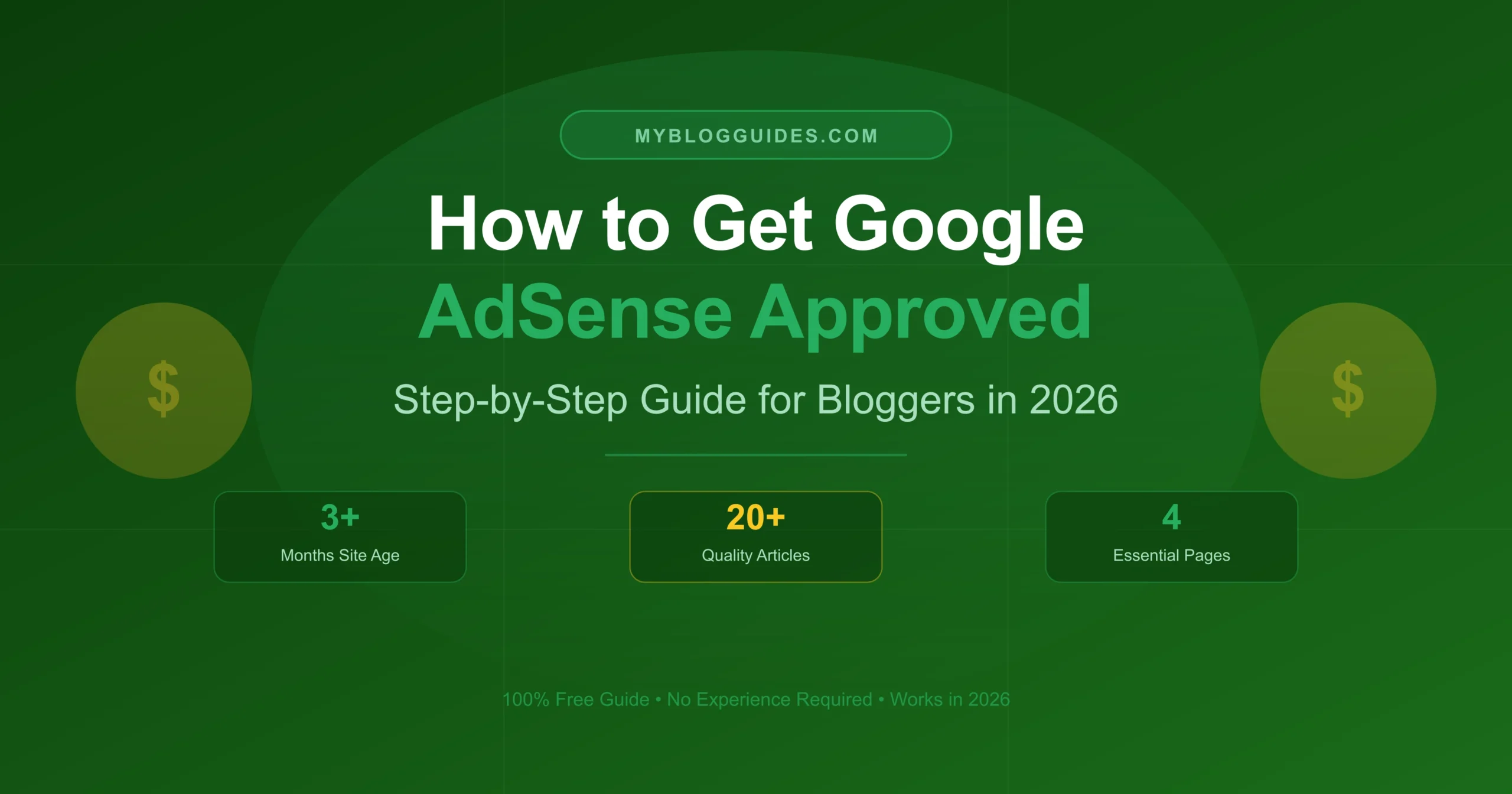
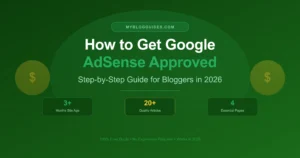
Your Blog Needs to Be at Least 3 Months Old
This one surprises a lot of people. Google actually wants to see that your blog has been around for a while before they approve you. In most countries they want a minimum of 3 months of existence.
The reason makes sense when you think about it. Google does not want to approve someone who set up a blog yesterday just to make quick money. They want to see commitment.
My honest advice: Do not even bother applying before 3 months. You will just get rejected and waste time. Wait it out and use that time to build content instead.
You Need Real, Helpful Content Not Just Any Content
Here is where most people mess up. They think they just need a certain number of articles. But Google does not just count your posts they actually read them to check quality.
Before you apply, make sure you have:
- At least 20 to 25 articles published on your blog
- Each article should be 800 to 1000 words minimum short posts do not cut it
- Everything must be written by you no copying from other sites
- The content should actually help people, not just fill space
Big warning here: Do not use AI-generated content and just paste it directly. Google has gotten really good at detecting thin content. If your articles feel empty or generic, you will get rejected. Always write from your own experience and knowledge.
Four Pages You Absolutely Cannot Skip
This was actually the reason my first application was rejected. I had decent content but I was missing these pages. Do not make the same mistake.
You need all four of these before applying:
- About Us Tell your readers who you are, your background, and what your blog is about. Make it genuine. A two-line about page will not impress Google.
- Contact Us Google wants to know they can reach you if something goes wrong. A simple contact form or your email address is enough.
- Privacy Policy This is non-negotiable. It is required by law in many countries and Google will not approve you without it. The good news is you can generate one for free online in about 2 minutes.
- Disclaimer Especially important if you give advice of any kind on your blog. It protects you legally too, so this one is worth having regardless.
Quick fix for the Privacy Policy: Search for 'free privacy policy generator' on Google. Fill in your site name, copy the generated text, and paste it into a new page on your blog. Done in under 5 minutes.
Get a Custom Domain Seriously, Just Do It
If your blog is sitting on a free URL like yourblog.blogspot.com or yourblog.wordpress.com, you are making things very hard for yourself. Getting AdSense approval on free subdomains is possible but difficult, especially for newer blogs.
A custom domain like yourblog.com costs around 10 to 15 dollars per year. That is less than a meal at a restaurant. It makes your blog look professional, builds trust with readers, and dramatically improves your chances of AdSense approval.
If you are serious about blogging and earning from it, this is not optional. It is one of the best investments you can make.
Step-by-Step: How to Actually Apply for AdSense
Step 1 Head to adsense.google.com
Open your browser, go to adsense.google.com, and click on Get Started. Sign in with your Google account. If possible, use the same Gmail that is connected to your blog or website. This keeps everything in one place and makes verification smoother.
Step 2 Enter Your Website URL
Type your website address exactly as it appears when you open it in the browser. Double check this carefully. A small typo here can cause problems. Make sure your site is live and accessible to anyone if it requires a password to visit, Google cannot review it.
Step 3 Choose Your Payment Country
Select the country where you live and want to receive payments. This is very important you cannot change this later. Make sure your country supports AdSense payments. The vast majority of countries do, but it is worth double checking if you are unsure.
Step 4 Add the AdSense Code to Your Site
Google will give you a small piece of code that you need to add to your website. This is how they verify that you actually own the site. Do not skip this step your application cannot proceed without it.
For WordPress users, the easiest way is to install the free Google Site Kit plugin. It connects your site to AdSense, Google Analytics, and Search Console all in one place. No coding needed.
If you are on Blogger, Google makes this even easier there is a built-in option to connect AdSense directly from your Blogger dashboard.
Once you add the code, go back to AdSense and click to confirm. Google will start reviewing your site. This part does not take long.
Step 5 Submit and Wait (The Hard Part)
Once everything is connected, submit your application. Now comes the part that tests your patience.
Google reviews applications manually. This means a real person looks at your site. The review typically takes anywhere from 1 day to 2 weeks. Most people hear back within 3 to 5 days in my experience.
Check your email regularly during this time. Also check your spam folder because sometimes the response ends up there. You can also log into your AdSense account to see the current status.
Do not apply and then immediately start adding tons of new content or making big changes to your site. Let Google review what they are reviewing. Major changes during review can sometimes cause delays.
Why Applications Get Rejected and How to Fix It
Not Enough Content
The number one reason for rejection. If your blog has 5 articles or your articles are only 300 words long, Google is going to pass on you. Simple as that.
The fix is straightforward but takes time: write more. Focus on quality over quantity. One really helpful 1200-word article is worth more than five thin 300-word posts.
Copied or Plagiarized Content
Google’s systems are very good at detecting content that has been copied from other websites. If even a few of your articles are not original, it can tank your whole application.
Before you apply, run every article through a free plagiarism checker. smallseotools.com has a good free one. Fix anything that gets flagged before submitting your application.
Missing Privacy Policy
I already mentioned this but it is worth repeating because it catches so many people. The Privacy Policy page is not optional. It is required. If it is missing, you will get rejected no matter how good your content is.
Site Loads Too Slowly or Looks Bad on Mobile
More than 60 percent of internet users browse on their phones. If your blog looks broken or takes forever to load on mobile, Google notices. They want to send their advertisers’ ads to sites that provide a good user experience.
Check your site on your phone right now. Also run it through pagespeed.web.dev to see your speed score. If you are below 60 on mobile, fix that before applying.
Prohibited Content on Your Site
Any content related to adult material, illegal activities, violence, hate speech, or gambling will result in an instant rejection and possibly a permanent ban. Go through your entire blog and remove anything that could fall into these categories before applying.
A Few Extra Tips That Helped Me Get Approved
- Apply when your blog is between 4 and 6 months old for the best results. Three months is the minimum but a little more time makes a difference.
- All your images should either be taken by you or be properly licensed. Using random Google Images can create copyright issues that hurt your application.
- Connect your blog to Google Search Console and submit your sitemap. This shows Google that you are serious about your site and helps with indexing.
- Stick to one niche. A blog that covers one specific topic looks more professional and authoritative than a random mix of everything.
- Go through your blog as if you are a stranger visiting for the first time. Is everything clear? Is anything confusing or broken? Fix it before applying.
You Got Approved Now What?
Congratulations! Getting that approval email is genuinely exciting. Here is what to do next.
Log into your AdSense dashboard and enable Auto Ads. This is the easiest option because Google automatically places ads in the best positions on your site. You do not need to do anything manually.
After that, your main job is to keep creating content and growing your traffic. More visitors means more ad impressions which means more earnings.
Please read this carefully: Never click on your own ads. Never ask friends or family to click on your ads. Never use any software or tricks to inflate clicks. Google detects all of this and will ban your account permanently. Many bloggers lose their AdSense accounts this way after working hard to get approved.
Frequently Asked Questions (FAQs)
How long does the review take?
Usually somewhere between 1 and 14 days. I have heard of people getting approved in a few hours and others waiting the full two weeks. If you have not heard anything after 14 days, log into your AdSense account to check the status there.
I got rejected again. How soon can I reapply?
There is no official waiting period. You can reapply as soon as you have fixed the issues. But please actually fix the problems before reapplying. Read the rejection reason carefully and address every single point. Applying again without fixing things just leads to another rejection.
Can I use Blogger with AdSense?
Yes, Blogger has a built-in AdSense integration. But even with Blogger, you need original content, essential pages, and ideally a custom domain to maximize your chances.
What if AdSense keeps rejecting me?
Look into alternatives while you keep improving your blog. Media.net and Ezoic are decent alternatives. But honestly, keep working on your content quality and try AdSense again in a few months. Most blogs that follow the requirements properly do get approved eventually.
The Bottom Line
Getting Google AdSense approval is 100 percent achievable. I promise you that. The bloggers who keep getting rejected are usually missing something small a page they forgot, content that is too thin, or they applied too early.
Go through this checklist one more time before you apply: blog is at least 3 to 4 months old, 20-plus original quality articles, custom domain, About page, Contact page, Privacy Policy, and Disclaimer. If all of those boxes are checked, you are ready.
And if you do get rejected, do not take it personally. Read the rejection email, fix what they mentioned, give yourself a few weeks to improve things, and try again. This is exactly what I did and it worked.
You have got this. Good luck!
Latest Digital Content
Useful Tools

Extract URL to Domain
Extract a URL and instantly get its root domain.

HEX to Pantone Converter
Get Pantone code from HEX color!

PNG to JPG Converter
Convert PNG images into JPG format.
Image to PDF Converter
Convert images and download PDF easily.
JPG to PNG Converter
Convert JPG images to PNG quickly.
WebP to JPG Convert
Convert WebP images into high-quality JPG.

Text to Link Converter
Turn text into a shareable link!
Online Character Counter
Count characters instantly with accuracy.


